Compose and arrange
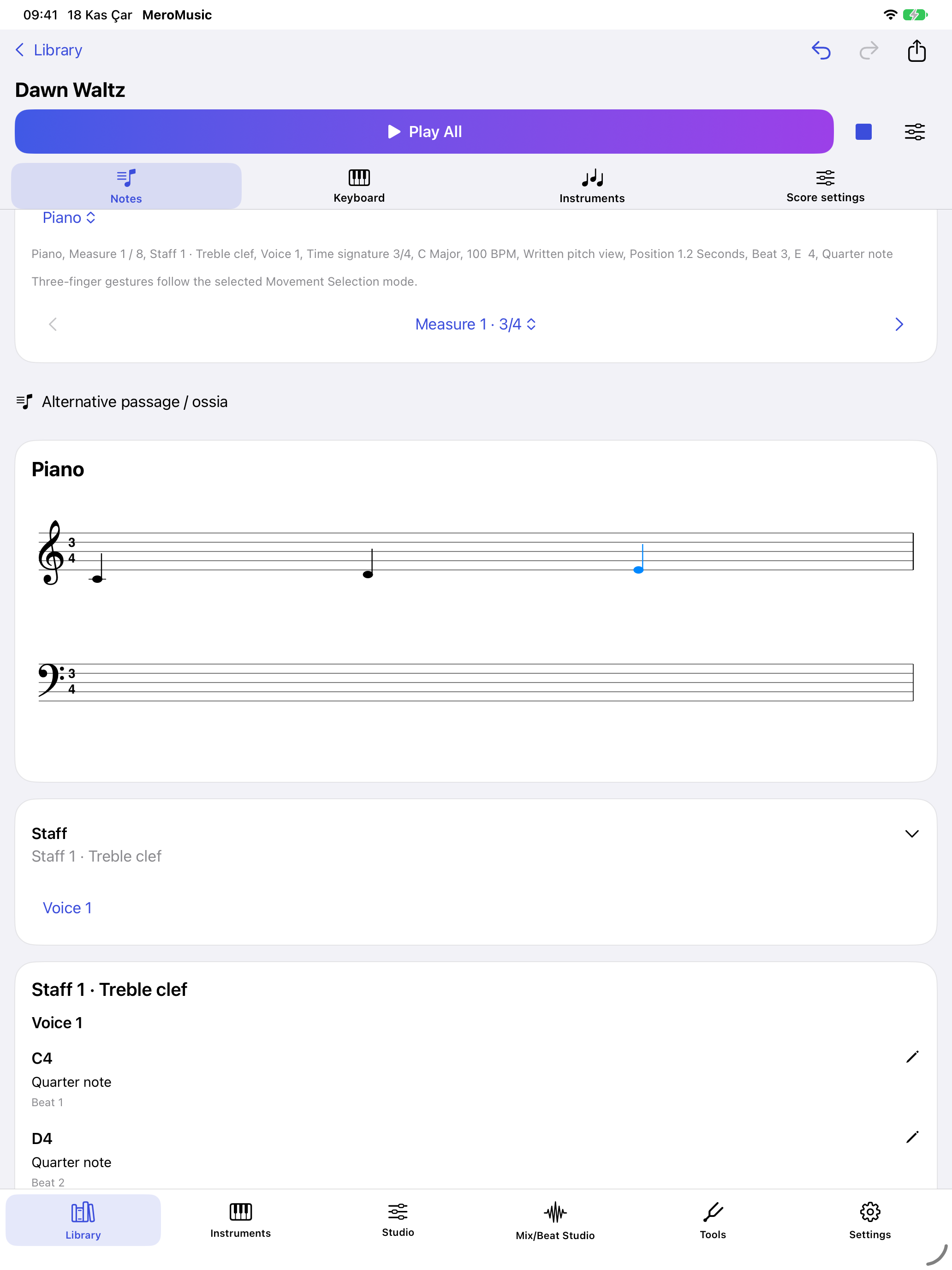
Place notes, rests and chords in a measure. Add lyrics and dynamics. Follow a line across parts, staves and voices, then hear how the arrangement fits together.
Put a melody on the staff, hear it on the piano and give a second part its own voice. MeroMusic brings a score editor, instruments and a recording studio to iPhone and iPad.

Place notes, rests and chords in a measure. Add lyrics and dynamics. Follow a line across parts, staves and voices, then hear how the arrangement fits together.
Try an idea on the touch piano or connect a MIDI keyboard. Listen to the metronome or follow its visual pulse. Use the microphone to tune your instrument.
Record a take, inspect its waveform and balance your tracks. Export your mix as a WAV or M4A file.
Work with MusicXML and MIDI, export a PDF or share a complete project. Read a clear, printed single-voice passage from a photo or PDF on device, then review and correct the recognized notes.
The VoiceOver note list reads pitches, durations and musical markings. Set the level of spoken detail, move to an empty measure, or continue at the first note of the next measure.
Work with larger text and increased contrast. Open a BRF music Braille file, explore its cells and turn supported passages into notes you can edit and play.